
Key Takeaways
-
Fobs create work; mobile credentials move it into the platform. You issue, revoke, and audit access from one system instead of handing out and chasing physical devices.
-
The payoff is operational control, not just going keyless. Turnover, lost phones, and one-day vendor access get faster to handle, with a clean record of every entry by person, door, and time.
-
A hybrid setup is usually the smartest way to start. Keep cards or fobs for visitors, contractors, or phone-less staff while moving tenants and employees to mobile.
-
Compatibility and life safety come before convenience. Check reader readiness door by door, and make sure any keyless setup preserves free egress and meets fire codes.
-
Credentials are strongest inside an integrated security platform. Access is most useful when it connects to video and, where supported, alarms and other building-security workflows as one source of truth across a portfolio.
A tenant moves out on Friday. A vendor needs access on Saturday. An employee loses a key fob on Monday. If you manage a building or a portfolio, those small moments pile up fast, and every single one turns into a security task, a liability question, or a tenant-experience problem.
That’s where mobile credentials change the conversation. Instead of treating access like a pile of physical fobs to hand out, track down, replace, and deactivate, you manage credentials through the same system you use to run the building. The phone becomes the credential, but the real shift is operational. Access itself gets easier to issue, revoke, review, and standardize across sites.
For commercial property managers and multifamily operators, this isn’t just about going keyless. It’s about clarity, control, and accountability, without creating more friction for tenants, staff, or vendors.
What Are Mobile Credentials?
Mobile credentials are phone-based access credentials that replace or supplement cards, badges, and key fobs in a commercial access control system.
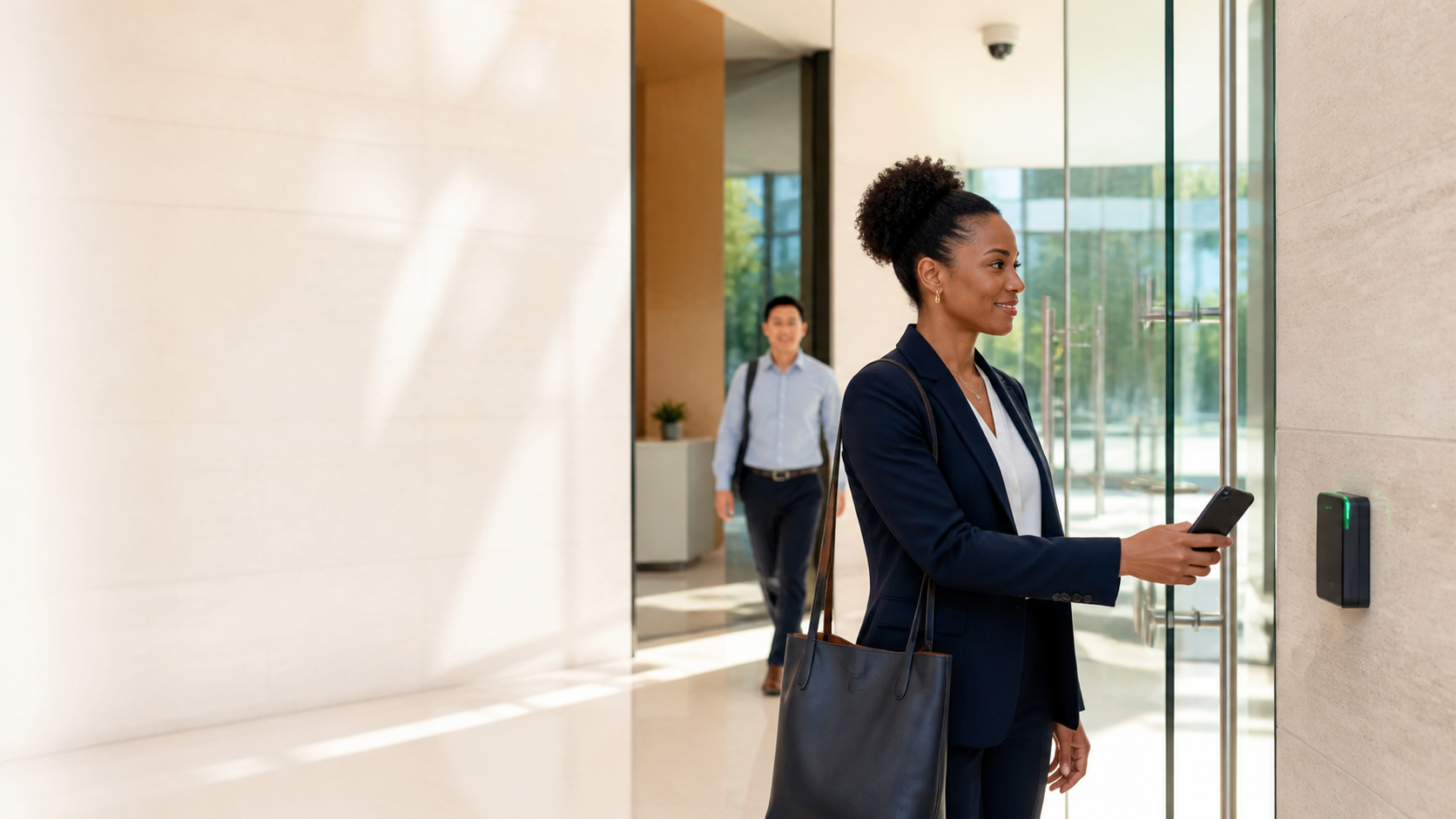
In plain terms, the phone becomes the credential. A tenant, employee, vendor, or staff member presents their phone at a compatible reader, uses an approved app, or uses a digital wallet credential, depending on the platform and system design.
The door still needs the right access hardware. The credential is only one part of the system. Readers, locks, access software, user permissions, and administrative controls all must work together.
Why Are Commercial Buildings Moving Away from Key Fobs?
Commercial buildings are moving away from key fobs because physical credentials create friction every time people move, lose access devices, or need temporary access.
Key fob door entry systems can work well for a single stable building. The problem shows up when people change. Tenants move in and out. Employees leave. Cleaning crews rotate. Vendors need access to one area for one day. A fob goes missing, and nobody knows whether it’s sitting in a drawer or in the wrong hands.
Mobile credentials for access control shift that work into the platform. Your team can issue access remotely, revoke it quickly, and keep a cleaner record tied to the person, door, and time.
The broader market is moving in that direction, too. The Security Industry Association has called “mobile credentials” the access-control “buzzword of the last five years,” pointing to Apple, Google, and Samsung entering the wallet-credential market as a sign of continued adoption.
How Do Mobile Credentials Work in a Building?
Mobile credentials work when the access platform, credential, reader, and door hardware are configured to recognize the phone as an approved access method.
Some systems use tap-to-unlock at a compatible reader. Others use Bluetooth-based mobile access, in-app remote unlock, or digital wallet credentials. The experience may look simple at the door, but the back end decides whether that experience is reliable.
Existing doors may support mobile credentials if the readers and access platform are compatible. In other cases, readers need firmware changes, replacement, or manufacturer support. Some systems require specific compatible readers for mobile credentials, while others support mobile access through a particular combination of reader, lock, and platform features. That’s why a property assessment should look at the current reader mix before anyone assumes a building is “ready.”
This is where commercial keyless entry systems differ from consumer smart locks. A commercial property needs user roles, audit trails, tenant access rules, vendor schedules, fire and life-safety planning, and remote administration. The phone is only useful if the operating model behind it is sound.
Mobile Credentials vs Key Fobs: How Do They Compare?
When it comes to day-to-day access management, mobile credentials are usually stronger while key fobs can still be simpler for certain users and short-term scenarios.
| Decision area | Key fobs | Mobile credentials |
|---|---|---|
| Issuing access | Requires a physical device to be handed out, tracked, and recovered. | Can often be issued through the access platform by email or text invitation without a physical handoff. |
| Lost credential response | The fob may be missing, copied, or never returned. | The credential can be removed in the system when the user reports a lost phone or leaves; the exact re-enrollment process varies by platform. |
| Turnover | Move-outs and staff changes create collection and replacement work. | Access can be removed or reassigned without recovering a device. |
| Audit trail | Records depend on how well credentials are assigned and managed. | Access activity can be tied more cleanly to named users when administration is disciplined. |
| User experience | Familiar and simple, but easy to forget or lose. | Convenient for users who already rely on phones, but rollout depends on device compatibility, permissions, and comfort. |
| Portfolio management | Can become fragmented across buildings and local systems. | Can support centralized credential management across properties when the platform is designed for it. |
| Cost shape | Costs are driven by fob inventory, replacement, administration, and recredentialing work. | Costs are driven by platform licensing, reader readiness, integrations, and rollout support. |
The better choice depends on the building. A single-site property with stable users may not need to move every door to mobile right away. A multi-tenant building with frequent access changes will feel the difference faster.
If you’re already rethinking buying security the right way, compare the full workflow, not just the credential in someone’s hand.
When Does a Card or Fob Still Make Sense?
A card or fob still makes sense when the user group, site conditions, or access pattern doesn’t fit in a phone-first model.
Visitors may need simple temporary access. Contractors may not want to install an app. Some employees may not carry a compatible phone during work. Older sites may have readers that aren’t ready for mobile credentials without upgrades.
A hybrid model is often the cleanest path. You can use mobile credentials for tenants, employees, and recurring vendors while keeping physical credentials for specific roles, transitions, or one-off access needs.
That approach also eases rollout pressure. Your team can test doors, user groups, credential types, and administrative workflows before expanding across the property.
How Do Mobile Credentials Handle Lost Phones and Outages?
Mobile credentials can improve access control when the platform gives your team fast revocation, strong user assignment, and reliable audit trails.
A lost phone doesn’t have to mean uncontrolled access. The property team can remove the mobile credential in the access system. Depending on the platform, a replacement phone may need a new invitation or credential enrollment. The user may also have device-level protections such as phone locks, biometric unlock, or wallet security. Those protections don’t replace access administration, but they add layers a loose fob never has.
Offline behavior depends on the system. Some doors may keep making local access decisions for already-authorized credentials during a network issue. Other functions, such as changing permissions remotely, may need connectivity. Power loss is a separate issue and depends on door hardware, backup power, lock type, and life-safety design.
Commercial keyless entry systems also need to preserve free egress and meet applicable fire and life-safety requirements. Electrified locks should never be planned only around convenience at the door.
How Do Mobile Credentials Help Across a Portfolio?
Mobile credentials become more useful when you manage multiple properties, because access rules can be standardized through one administrative model.
Without central control, each building becomes its own access island. One team uses one process. Another building uses another process. A vendor that works across properties may have separate fobs, permissions, and records at every site.
With the right access platform, you can manage one property or a multi-state portfolio with more consistency. You can define roles, assign access by site, revoke permissions remotely, and keep a clearer record of who has access, where, and when.
That’s the same operating logic behind efforts to standardize access across a portfolio. The credential format is only one layer. The bigger win is one source of truth.
How Do Mobile Credentials Affect Tenants and Residents?
Mobile credentials can cut daily friction for tenants and residents when they’re introduced as part of a well-managed access experience.
For commercial tenants, access that works smoothly affects staff arrivals, visitor coordination, amenity use, and after-hours entry. For multifamily communities, keyless door entry systems are also part of the resident experience. The NMHC and Grace Hill 2024 Renter Preferences Survey found that 67% of renters were interested in keyless smart locks. That interest doesn’t mean every door should change overnight. It does show that residents recognize keyless access as a building feature they can feel every day.
For multifamily operators, mobile credentials connect directly to smart access control for resident retention and broader multifamily security. The access experience should feel simple for residents and manageable for your team.
Mobile Credentials Work Best Inside One Security Platform
Mobile credentials are strongest when access control connects with video and other security workflows in an integrated platform.
A standalone access app can unlock a door. An integrated system gives you context. If an access event happens after hours, you can connect it to camera coverage. If a door event or alarm condition triggers, your team can review what happened. If a tenant reports a problem, your records aren’t scattered across disconnected tools.
Vitalis Security designs commercial access control systems around that operating reality. Access is one part of the building’s security picture, not a separate workflow your team has to manage in isolation.
For commercial property teams, that means commercial property security with clarity, control, and accountability. It also means one integrated security platform instead of disconnected point systems that only tell part of the story.
How Do You Assess Doors and Users for Mobile Credentials?
The right move is to assess where mobile credentials fit your property before replacing every fob.
Start with the door. Which readers are mobile-ready? Which locks need to be reviewed? Which entrances handle the most tenant, staff, vendor, or visitor traffic?
Then look at the users. Who should get mobile access first? Who still needs a physical credential? How will your team handle lost phones, new devices, move-outs, temporary access, and after-hours permissions?
Finally, look at the system around access. If your access records, video, alarms, and monitoring tools live in different places, mobile credentials will only solve part of the problem. If they connect in one source of truth, the credential becomes part of a more accountable operating model.
Vitalis Security helps property managers and building operators evaluate whether mobile credentials fit their doors, workflows, and portfolio goals. Book a free security assessment for your property and get a practical path forward, without pressure and without turning your building into a hardware guessing game.
Mobile Credentials and Keyless Entry FAQs
How do mobile credentials work with existing commercial readers?
They work when the reader and access platform are mobile-ready and configured to recognize the phone as an approved credential. Some buildings can support the switch with software or firmware changes, while others need reader upgrades or replacement. Some systems require specific compatible readers for mobile credentials. The safest assumption is that compatibility needs to be checked door by door, not guessed from the hardware brand alone.
Are mobile credentials secure for commercial properties?
They can be, because access can be issued and revoked centrally instead of relying on a physical credential that may be lost or copied. The security result depends on how the system is set up, including credential management, user permissions, reader technology, and audit trails. A well-run system gives you tighter control than a loose fob-based process.
What happens if an employee or tenant loses their phone?
The mobile credential can usually be removed in the access system, which stops that device from being used for entry. The user may need a new invitation or enrollment on a replacement phone, depending on the platform. That is a cleaner response than trying to recover a missing fob, because the access itself is tied to the user’s record and can be removed remotely.
Do keyless door entry systems still work without internet?
Often, yes, at the door level. Many systems make local access decisions at the reader or controller, while the network is needed for administrative changes like issuing or revoking access. The real question is how your specific system behaves during a network or power issue, since that depends on the hardware and backup design.
When do key fobs still make more sense than mobile credentials?
Key fobs still make sense when you need a simple physical credential for visitors, contractors, or staff who do not want to use a phone. They also work as part of a hybrid setup during a transition period or in buildings where some doors are not ready for mobile credentials yet. The best choice depends on your users, your hardware, and how much access turnover you manage.
Can mobile credentials be managed across multiple buildings?
Yes, if your access platform is built for portfolio management. That lets you standardize access rules, issue permissions by site, and remove access from one place instead of managing each building separately. For operators running more than one property, that usually creates a much cleaner process than handing out separate physical credentials at every location.